
Waste Transfer Notes on your phone: a practical PaperRoute Lite guide
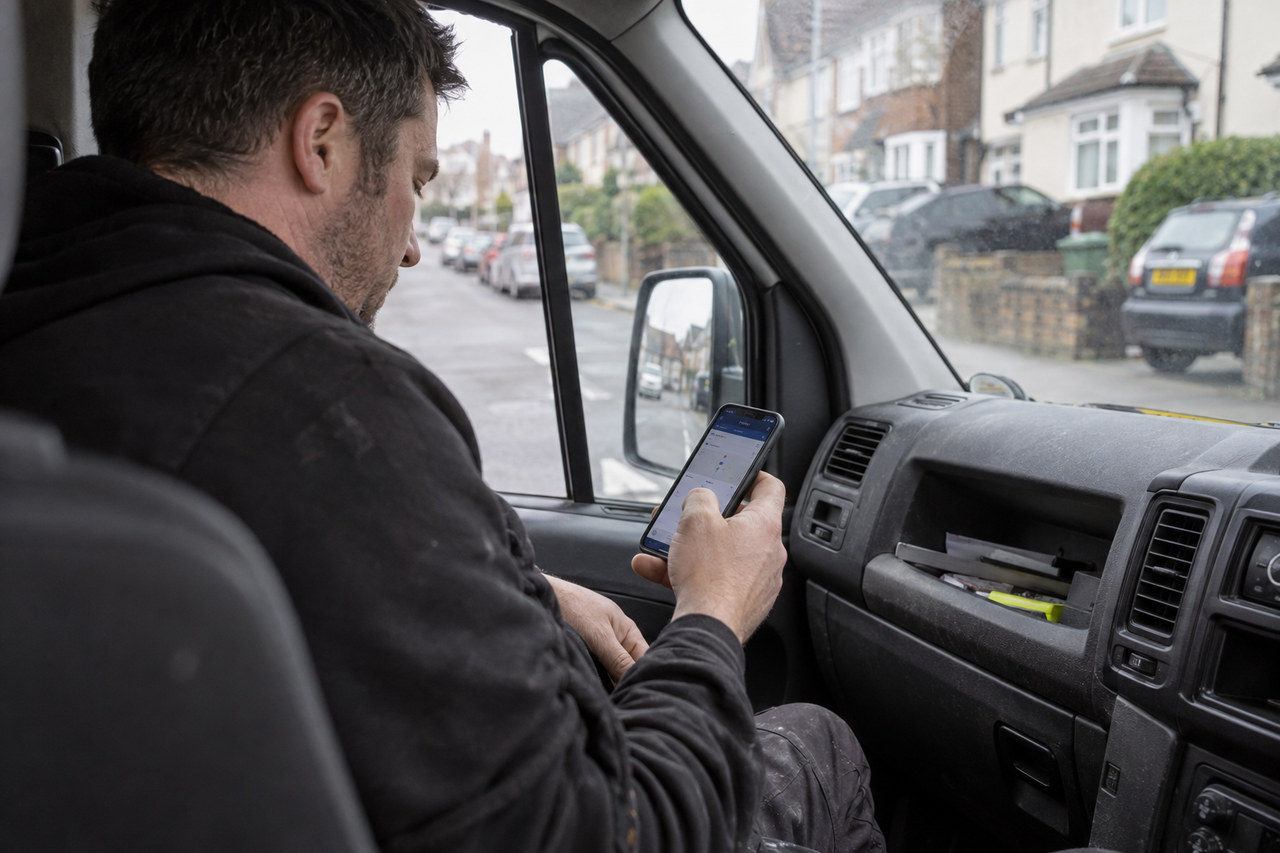
Waste paperwork is easier to manage when the details you record during a collection stay with the document you share afterwards. PaperRoute Lite gives small waste carrier businesses a phone-based workflow for creating a note, capturing signatures, sharing the signed PDF and finding the record again.
Get your usual details ready
Set up your business details and add the customers you work with. Saving the information you use repeatedly gives you a starting point for the next note, while leaving you responsible for checking that the details describe the actual job.
Lite is available on iPhone and Android. The website’s interactive demo lets you explore the document journey before downloading the app. Use the current website and support page for account setup and subscription information.
Create the right document for the work
Lite supports Waste Transfer Notes and hazardous waste consignment notes. These are different document types. The presence of a template in an app does not decide which paperwork applies to a particular movement.
Record the customer, waste and collection information that relates to the work you are carrying out. Check the details before asking someone to sign, and use official guidance or qualified advice when you need to establish the legal requirements for your activity.
Capture the signature with the record
The app supports on-screen signatures and a PDF with your business logo and details. Keep the completed record connected to the information entered for the job, rather than keeping a signature separately from the document it belongs to.
A digital signature workflow helps organise your paperwork. It does not turn inaccurate information into an accurate record or remove the need to check that the document has been completed appropriately.
Understand what happens without a signal
Lite allows you to create and sign a note offline. The saved note can sync and send when the connection returns. Creating a record offline and successfully emailing it are separate steps.
When connectivity returns, check the note and the sending status. If the customer has not received their document, check the email address and ask them to check junk or spam before following the support guidance for re-sending it.
Find and share an earlier note
The searchable archive holds your records and supports re-sending a note. This gives your office or your future self a place to find the signed document without relying on a loose paper copy or a separate email search.
Use the website’s help and support page if you need assistance with a missing email, your subscription or your account. Lite focuses on paperwork; if you also need routes, driver management and invoicing, discuss full PaperRoute with the team.